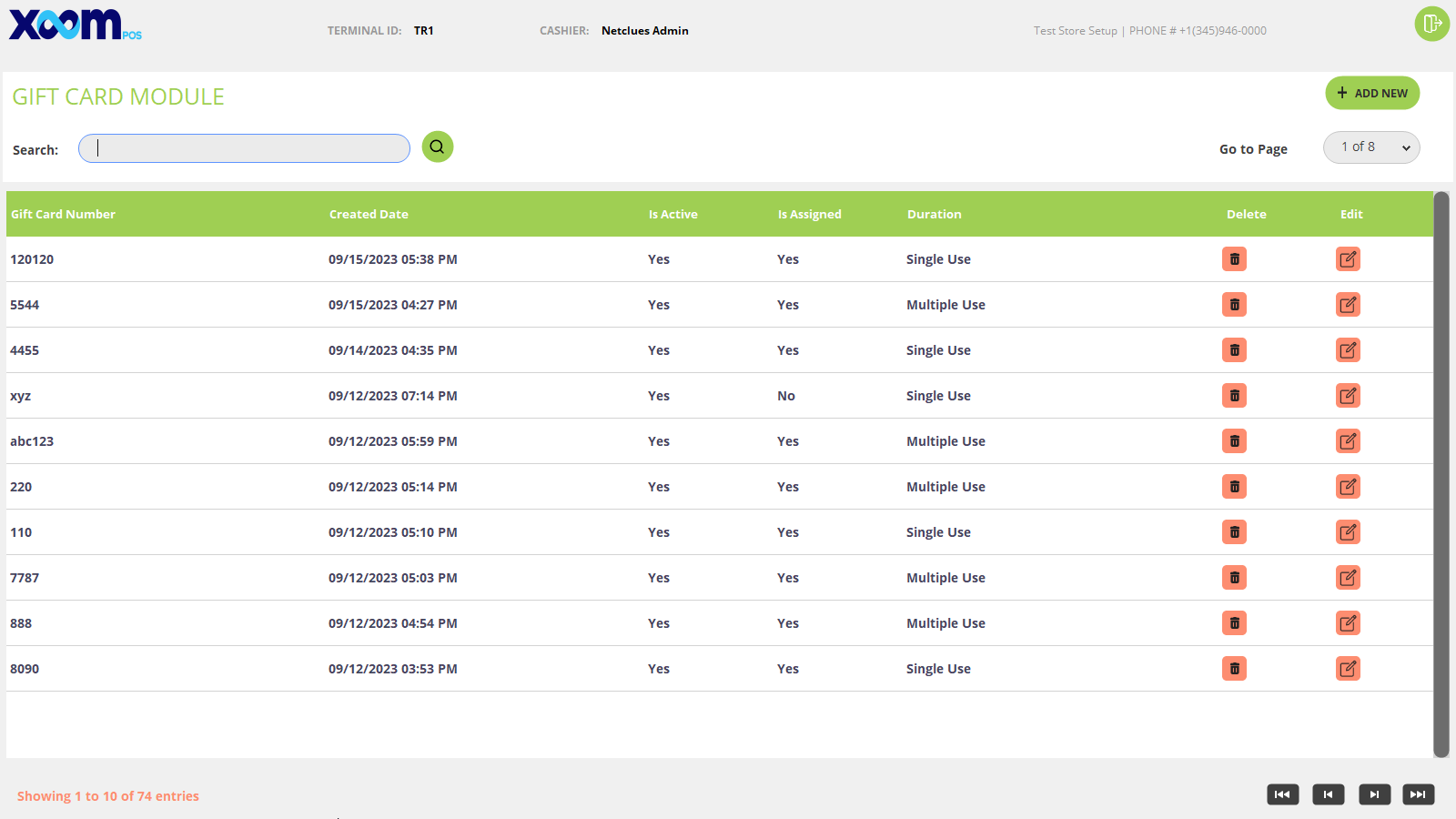
A Gift Card module is used to add new gift cards on the POS to purchase it and buy products.
Click on the Add Gift Card module under Gift Card and you will be redirected to the Add Gift Card page where a list of all gift cards added will be shown. Please refer to the below screenshot:
You can search the gift card by gift card number.
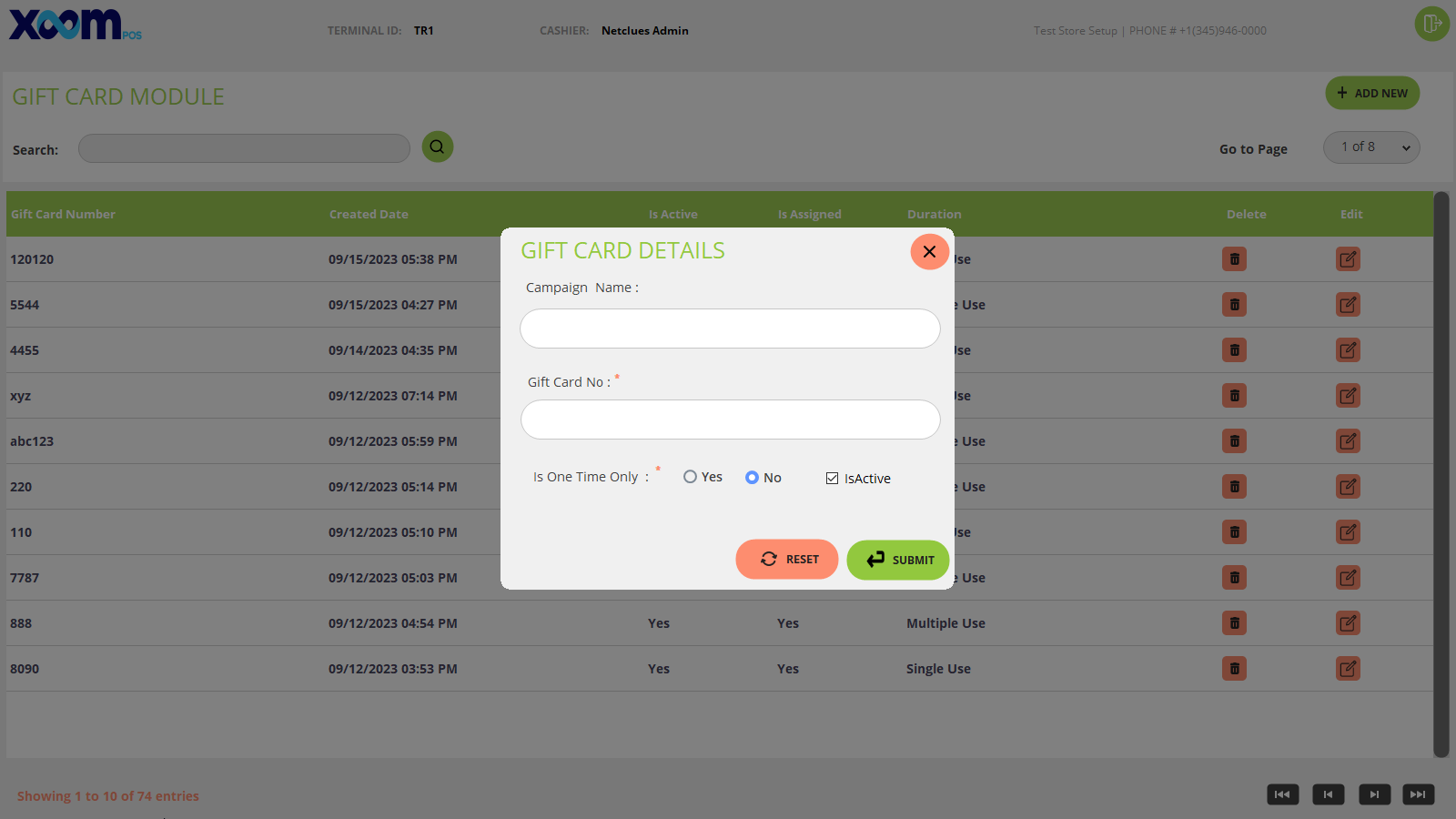
To Add a new gift card click on New, a popup will open where you need to add gift card details like Campaign name, Gift card number, active checkmark and will that gift card be used a single time or multiple times and click on submit to add the gift card. Please refer to the below screenshot: