
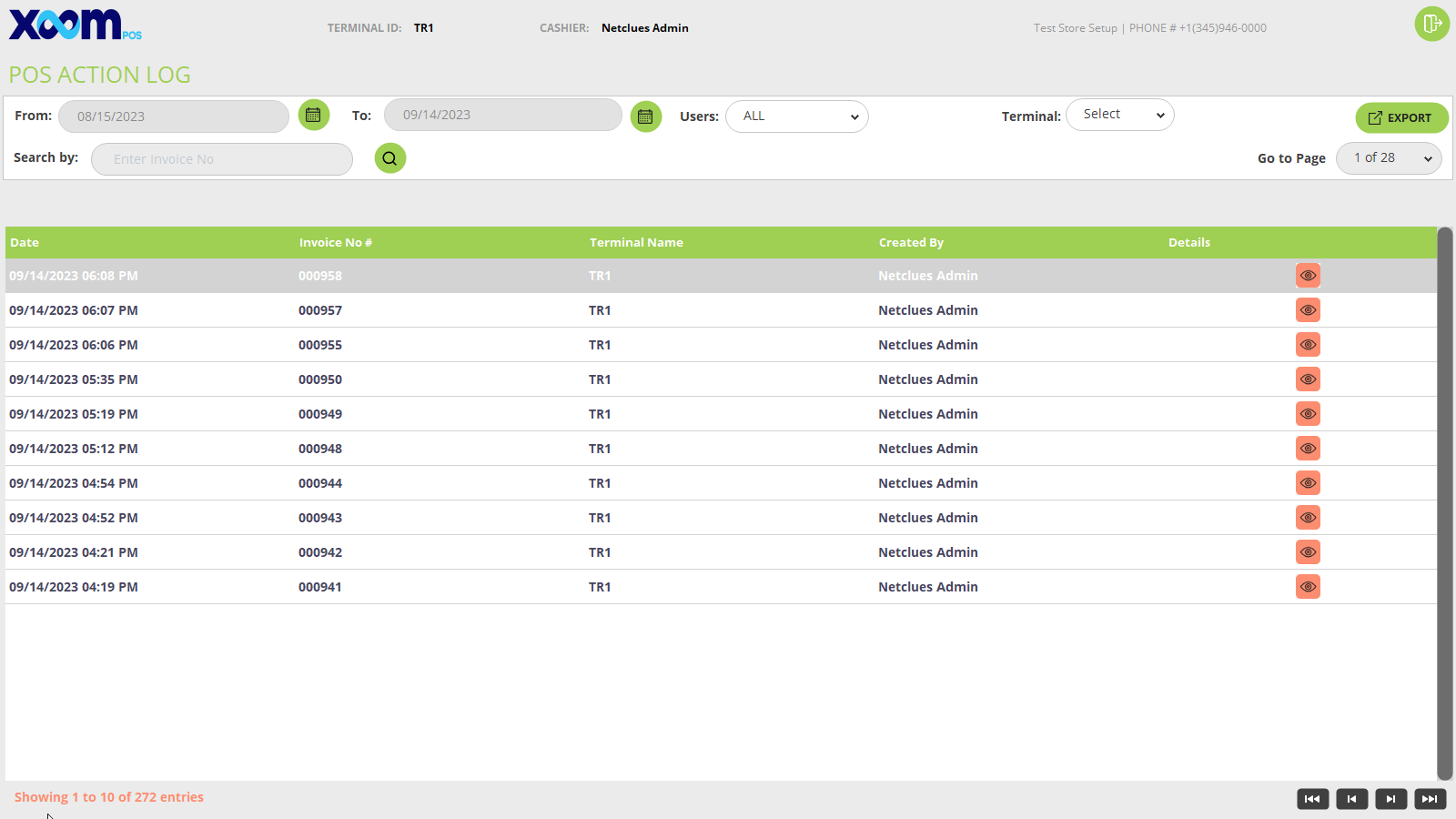
- Here you may see the Action log in tabular format with column names like Date, invoice number, and terminal name, created by(Cashier name).
- You can filter it by From and To date, By user and terminal, and search by invoice number.
- If you want to export all the action logs then click on the ‘Export’ button and all the Action logs of POS will be exported.
- If you click on the icon then the action log detail with invoice number, terminal, action date, barcode, product name, action type, action description, and action taken will be shown. Below is the screenshot for your reference:

