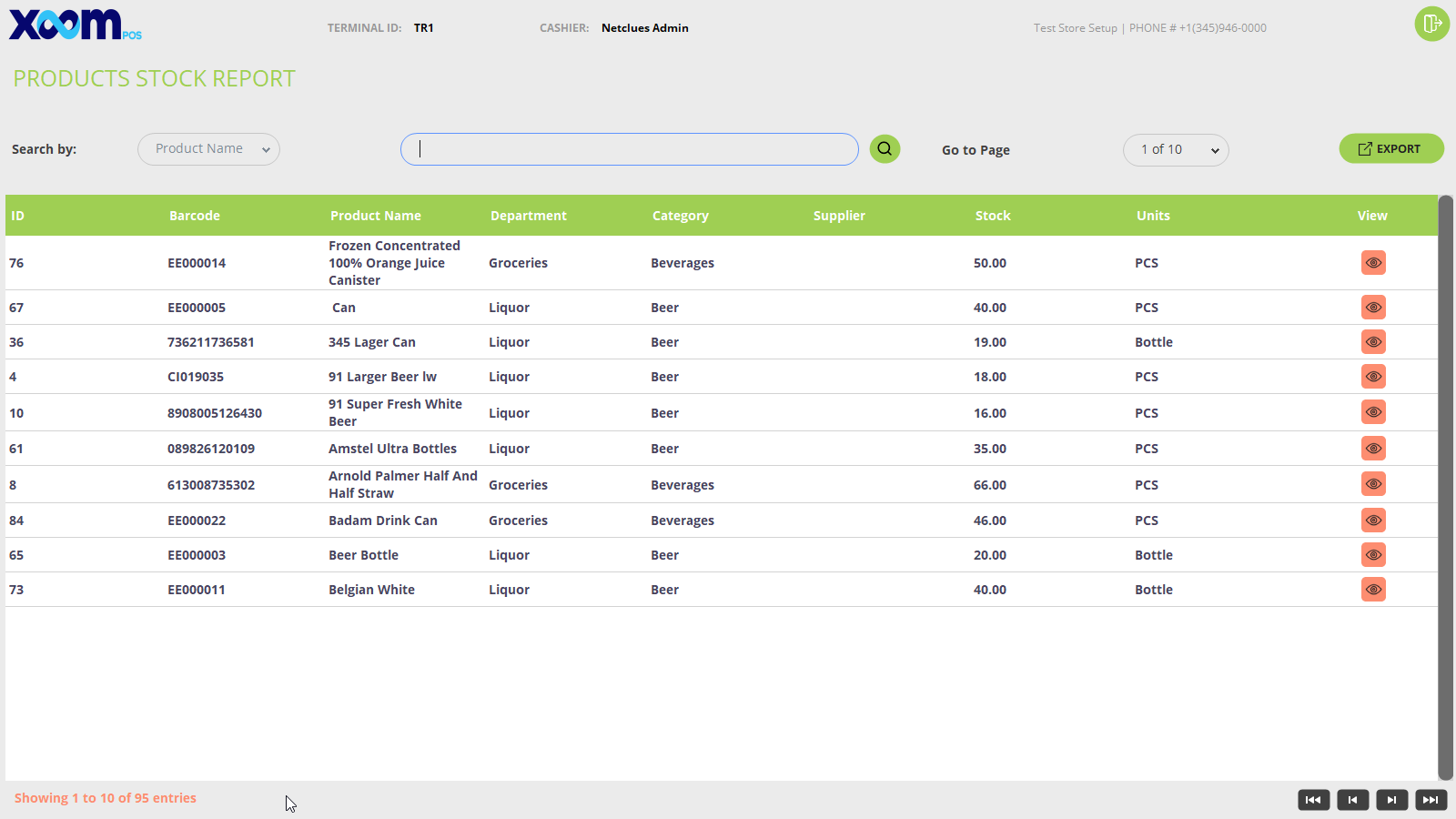
If you click on icon, the stock of the specific products will be displayed. Please refer to the below screenshot:
 icon, the stock of the specific products will be displayed. Please refer to the below screenshot: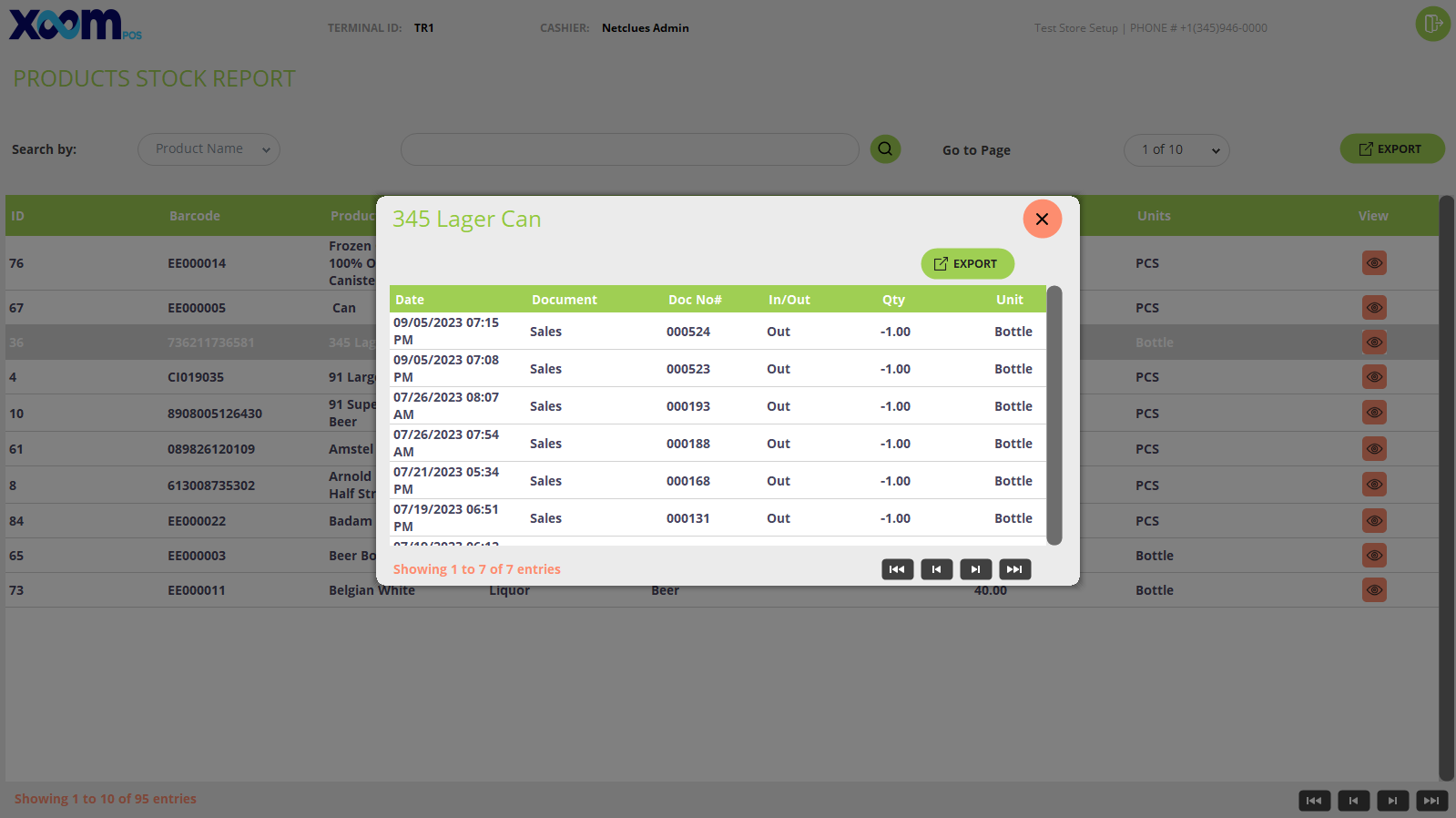
 icon, the stock of the specific products will be displayed. Please refer to the below screenshot: