Skip to the content
Window POS
FAQ
Window POS
FAQ
Search for:
User Action Permission
Home
Back Office Xoom POS
Settings
User Action Permission
Search for:
This module is used to give permission or rights to the user.
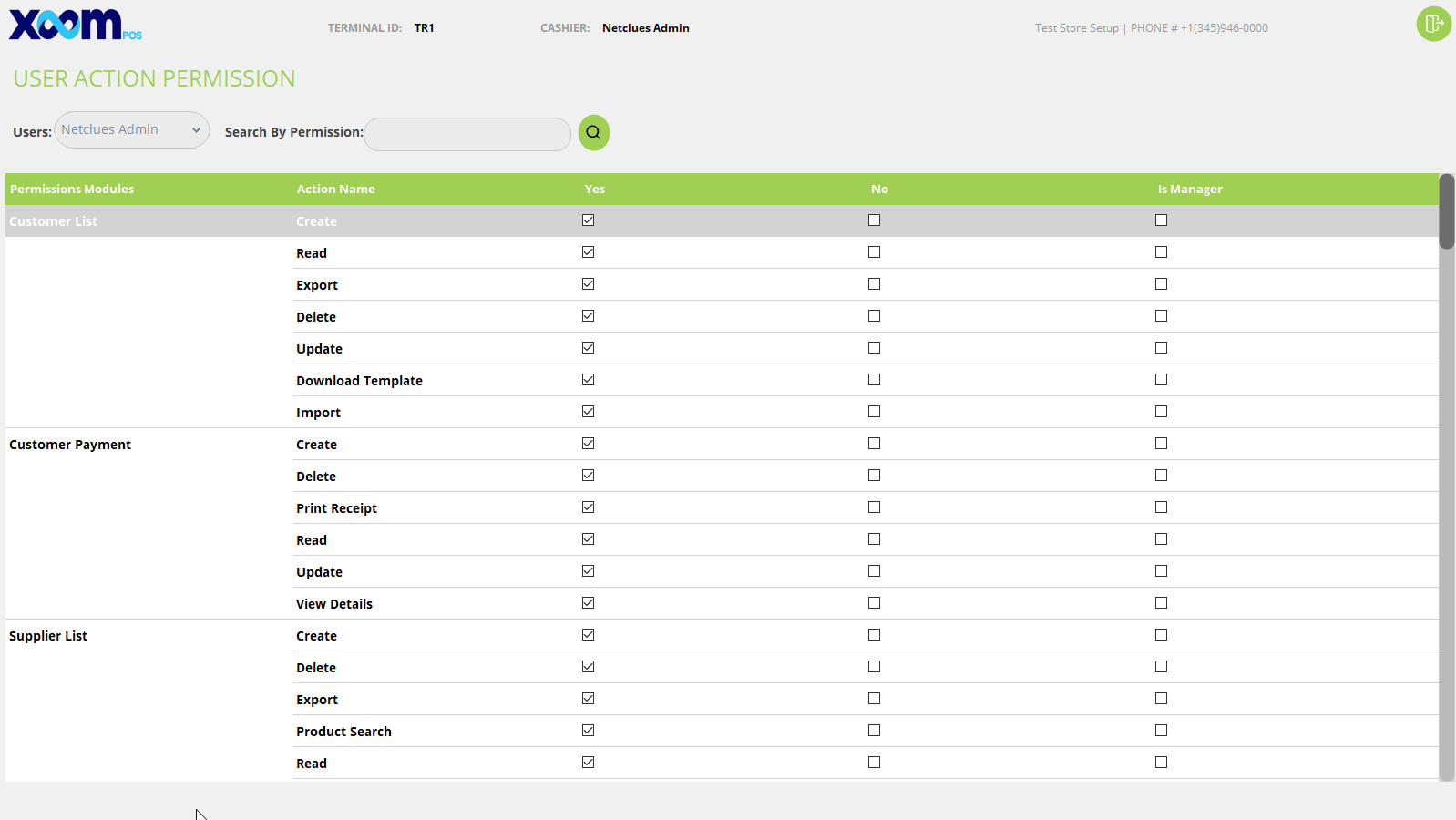
You can give IsManager rights also. Below is the screenshot for your reference:
Here first of all you have to select the user from the dropdown.
After that, if you want to give specific permission then search the permission on the search field and give permission whatever you want.
On gird it shows permission name, action name, given permission then yes else no, also IsManager.