
• On the Customer statement, you will see the pending amount by the customer.
  • If customer do on account payment than it will show over this module.
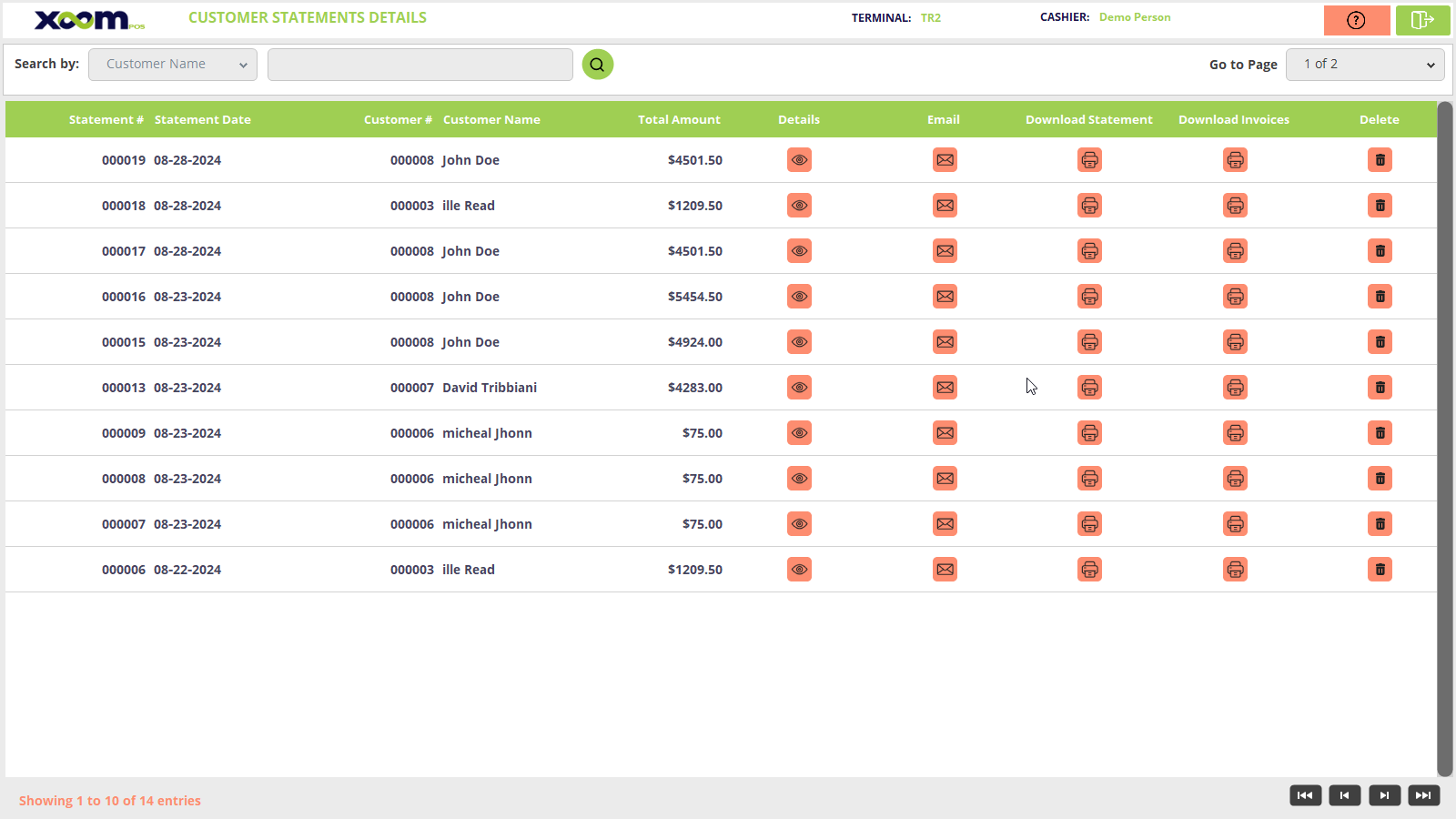
  • Click on Customer Statement from the back office and you will be redirected to the Customer Statement screen. Please refer to the below screenshot:
  • You can search for the statement by customer name, Customer number, and invoice no. 
  • Here in the above screenshot, you can see that the customer No., customer name, statement no., total amount, details, etc… are displayed on the grid.
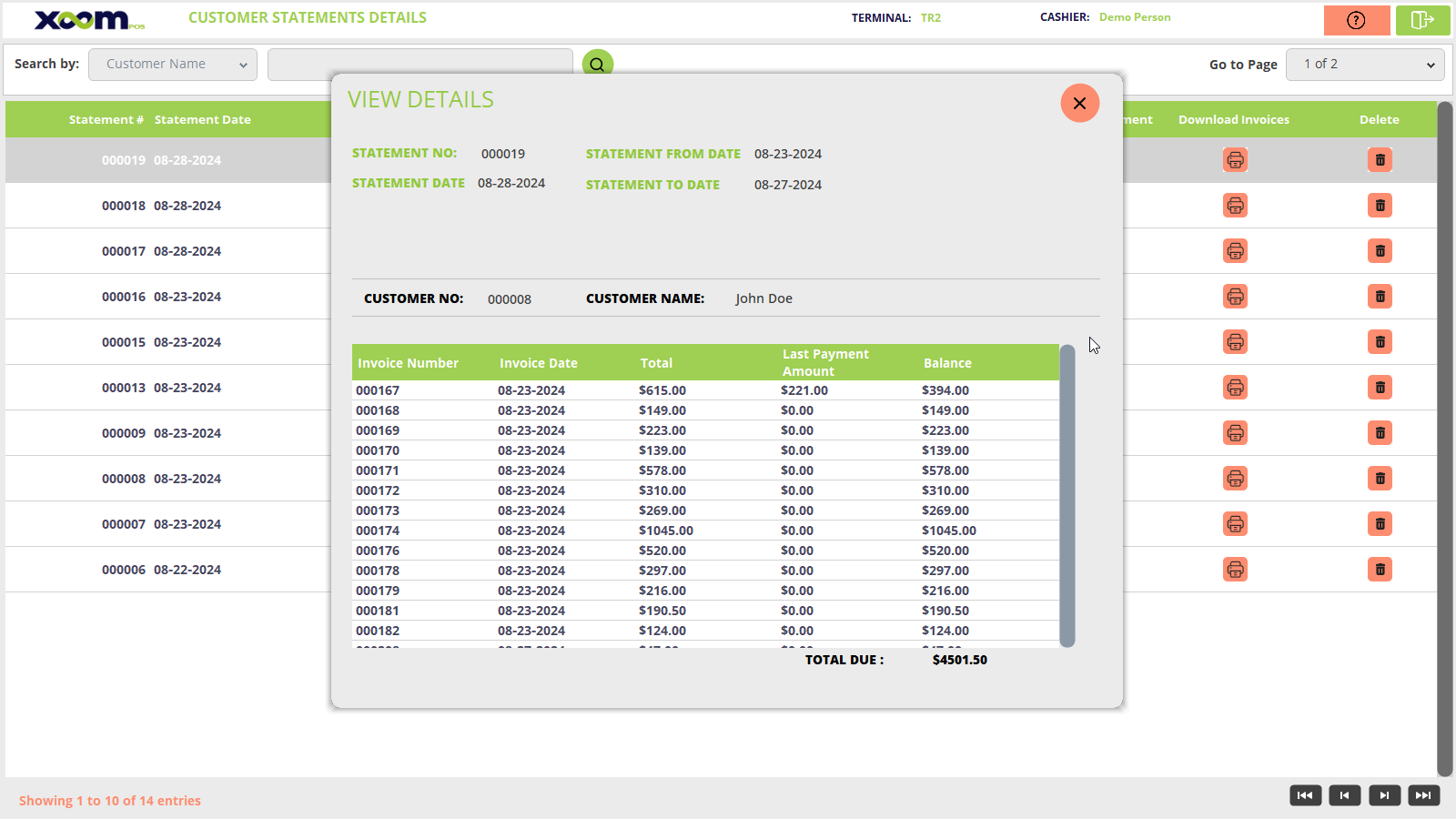
  • If you click on the detail icon then customer payment detail screen gets open. Below is the screenshot for reference:
  • On detail screen, at top of the section customer details shows and below it the payment detail is displayed.
  • Here, balance and total due amount both are same.
  • If you click on the   icon than customer got the receipt on the registered account.
  • If you click on the   icon from the download statement than the statement getting downloaded.
  • Of you click on the download invoice than the invoice getting downloaded.