General Statement option is used to create the invoice for the unpaid bills for the customer who has selected On Account Purchase from the Window POS.
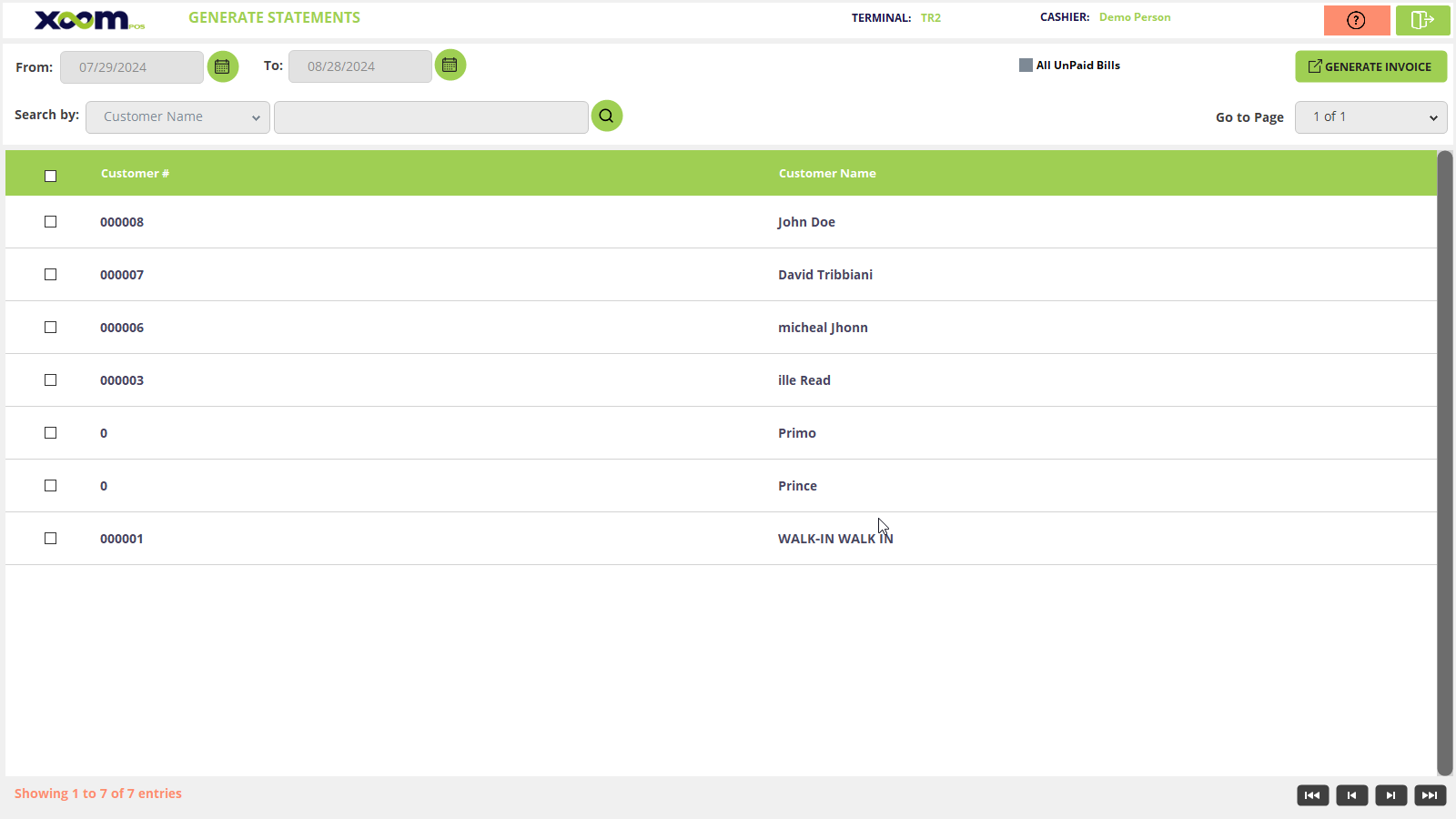
Click on the General Statement module from the left side panel and you will be redirected to the General Statements grid page. Please refer to the below screenshot:
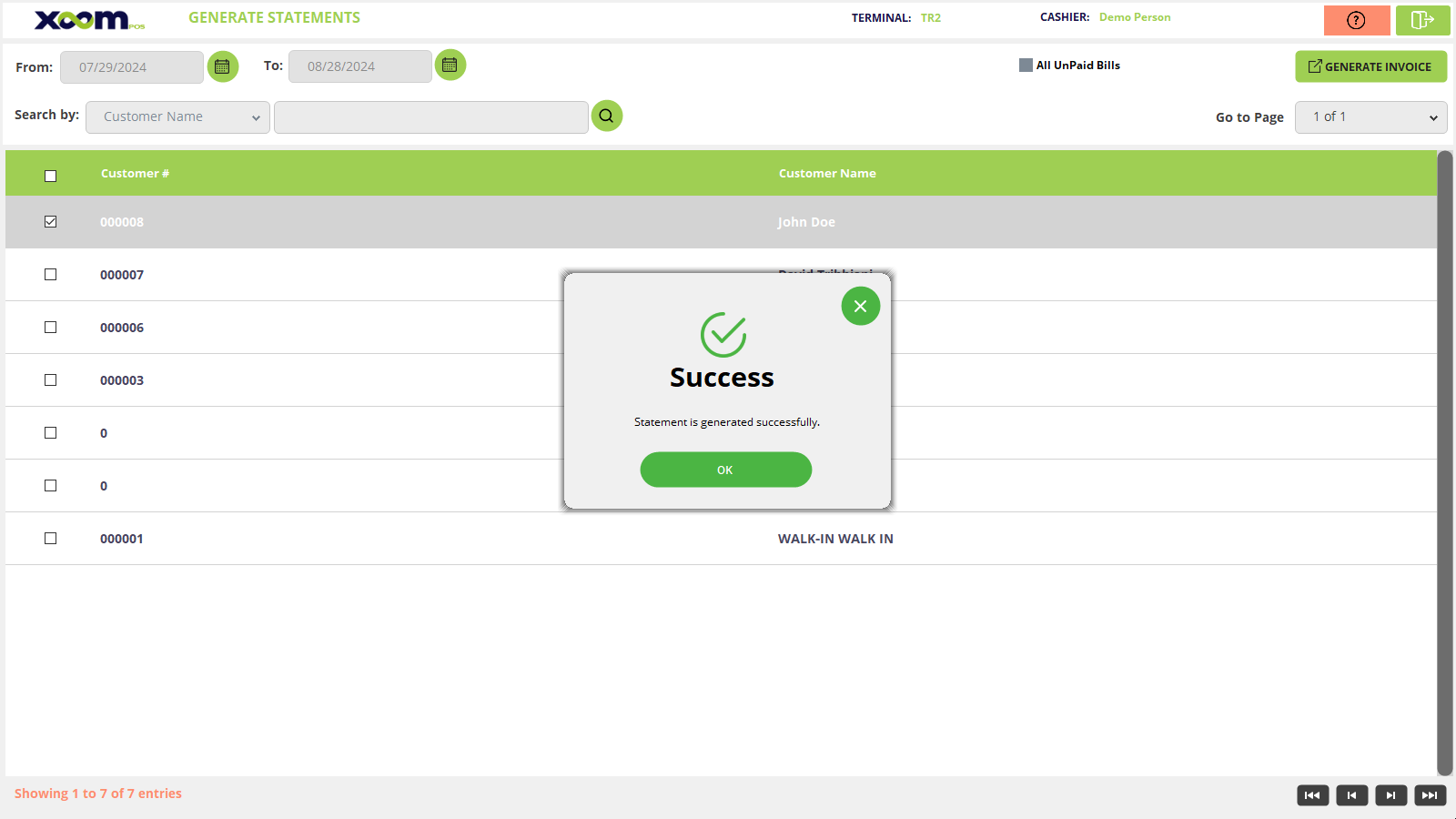
Click on ‘generate invoice’ and a success popup shows the invoice getting generated for the selected customer. Please refer to the below screenshot:
You can use the search functionality to search the customer by name and customer number.
You can search for customers by selecting the date range, which is available in the top right corner of the page.
Check mark on All Unpaid Bills which is on the right side, list of all unpaid bill will be shown and now select the customer for whom you want to generate an invoice and click on Generate Invoice and an invoice for that customer will be generated and than invoices are shows on ‘Customer Statement’ module of xoom POS.