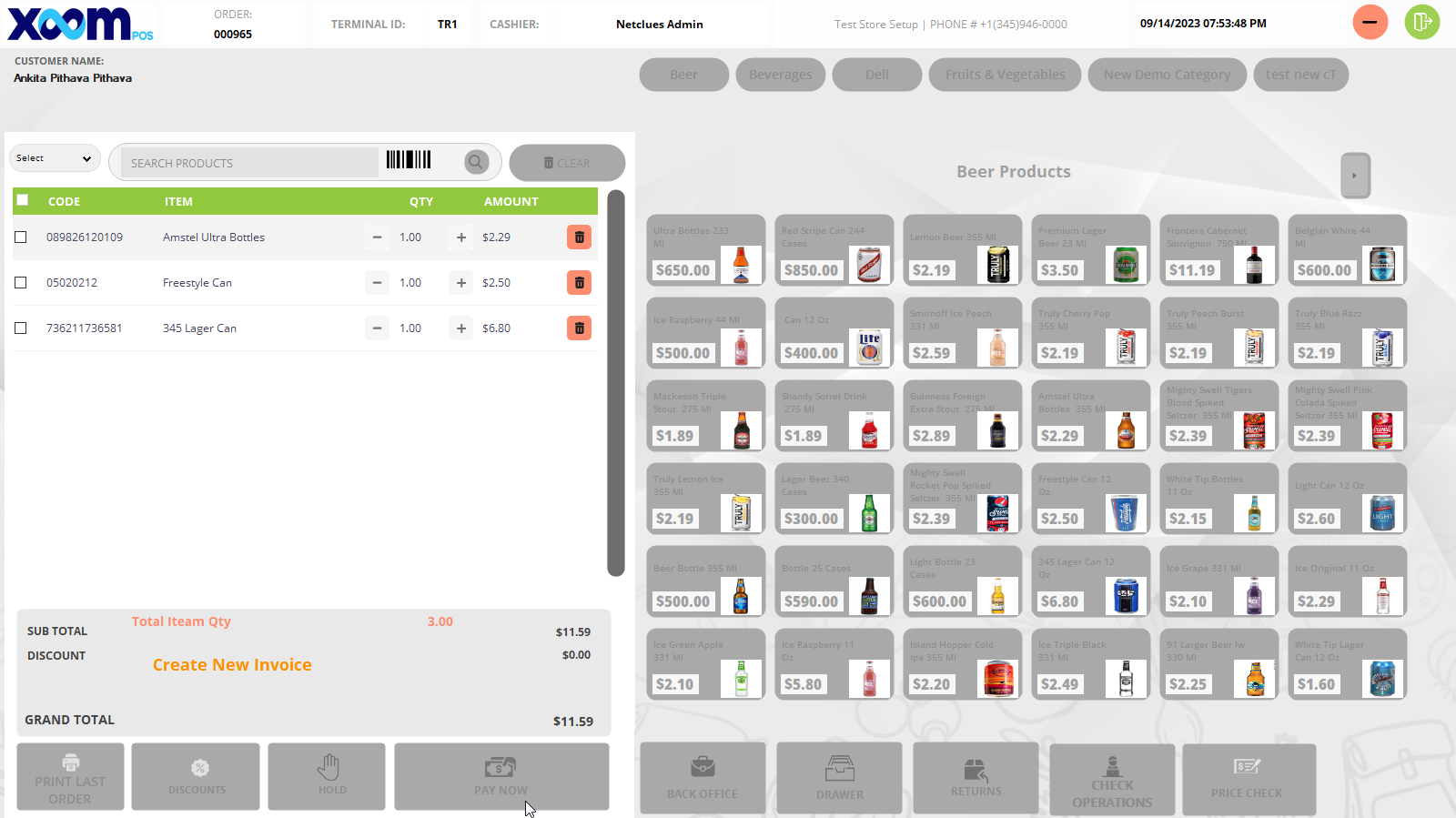
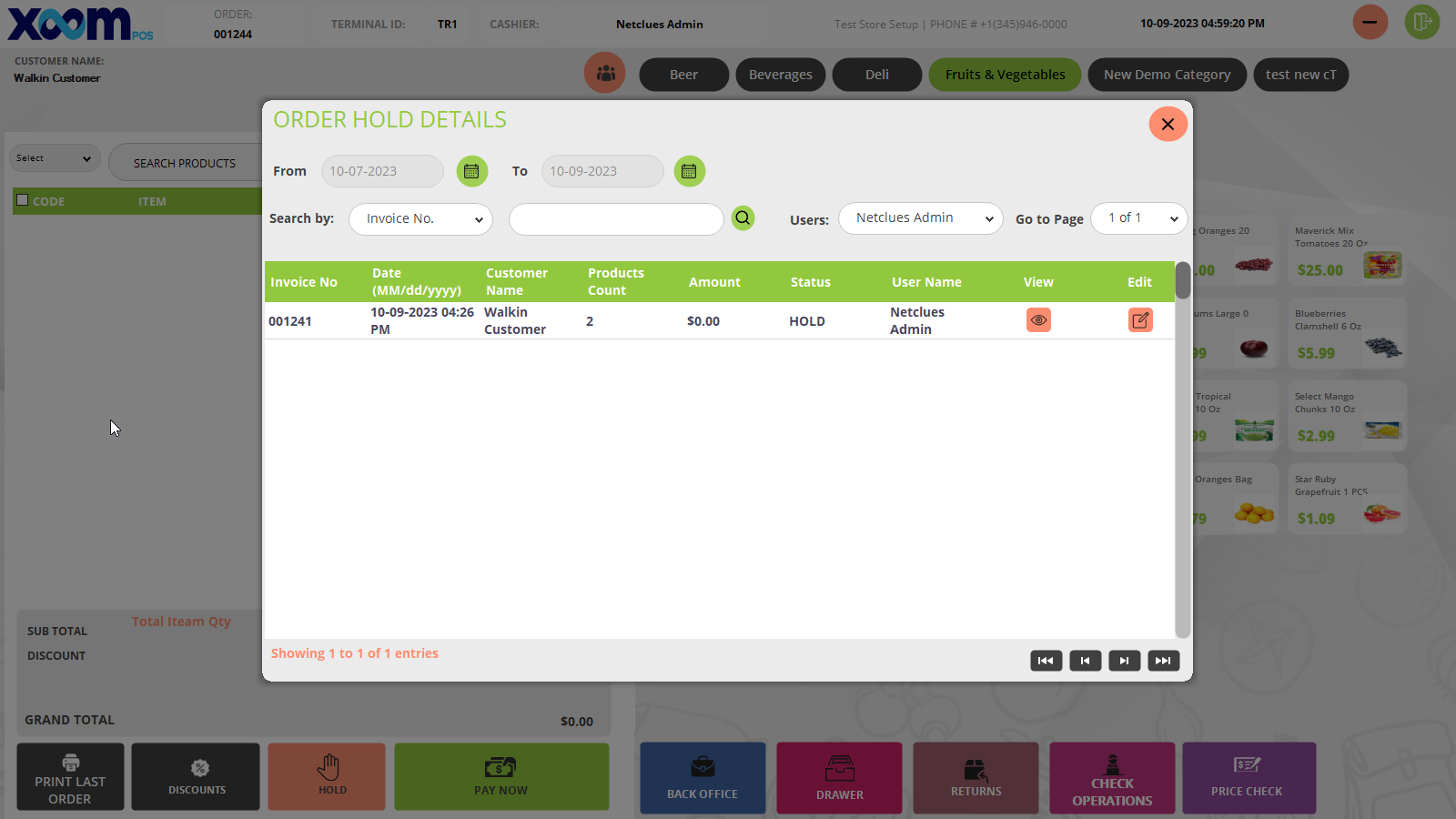
You can resume the hold order just by clicking on the edit icon and completing the hold order, or if you click on the

icon, a new invoice will be generated, and the hold order will be terminated if you click on Create New Invoice. Please refer to the to the below screenshot: